
A few days after iOS 26.4 rolled out, the dictation app Wispr Flow sent an email to users notifying them that the app won’t work the same way it used to because of certain restrictions from Apple.
Earlier, you could open the Wispr Flow keyboard, activate the session, which would take you to the Wispr Flow app, and then back. Plus, the keyboard understood the context of the app and applied tone customization. All of that broke with iOS 26.4. Wispr Flow is not alone in this. Other apps like SuperWhisper also had an impact from that change.

Since last year, different apps have been pushing for the “why type when you talk to your computer” theme. Most of the apps were on the desktop at first (barring apps like SuperWhisper), but slowly the likes of Wispr Flow, Monlouge, and Willow launched their iOS apps.
All of them operated the same way at the core. They have a keyboard app, which has a button that takes you to their own app and back to activate a session for which iOS grants them mic access. The system is a bit cumbersome, but it worked well until iOS 26.4.
Wispr flow’s email to users
Before iOS 26.4: In many apps, tapping “Start Flow” would briefly open Flow and automatically return you to your app.
After: Voice-to-text will still work as usual but will require a swipe from Flow back to your app to get started.
Wispr Flow has also added custom style switching to the keyboard, which is not ideal, as you need to switch it per app.
A post on SuperWhisper’s subreddit indicates that Apple stopped these keyboard apps from “seeing” what app users tapped the button to go to the dictation app, so there is no way for the dictation app to know where to go. The company founder, Neil, said:
Apple broke (in iOS 26.4) our ability to see which app you clicked start recording in the keyboard, from which means we don’t know where to switch you back to.
All apps are affected by this issue.
He mentioned that upcoming release of the app will fix it.
The story is wildly different on the Android front. There are only a few apps available on the platform. Earlier this year, Typeless launched its Android app, and a few weeks later, Wispr Flow followed. While Typeless has a keyboard, which is easier to switch to on Android, Wispr Flow has a floating button that you can use alongside any other keyboard in any app. This is a much better experience as dictation apps do get some stuff wrong, and at times, it is faster to just type it out.
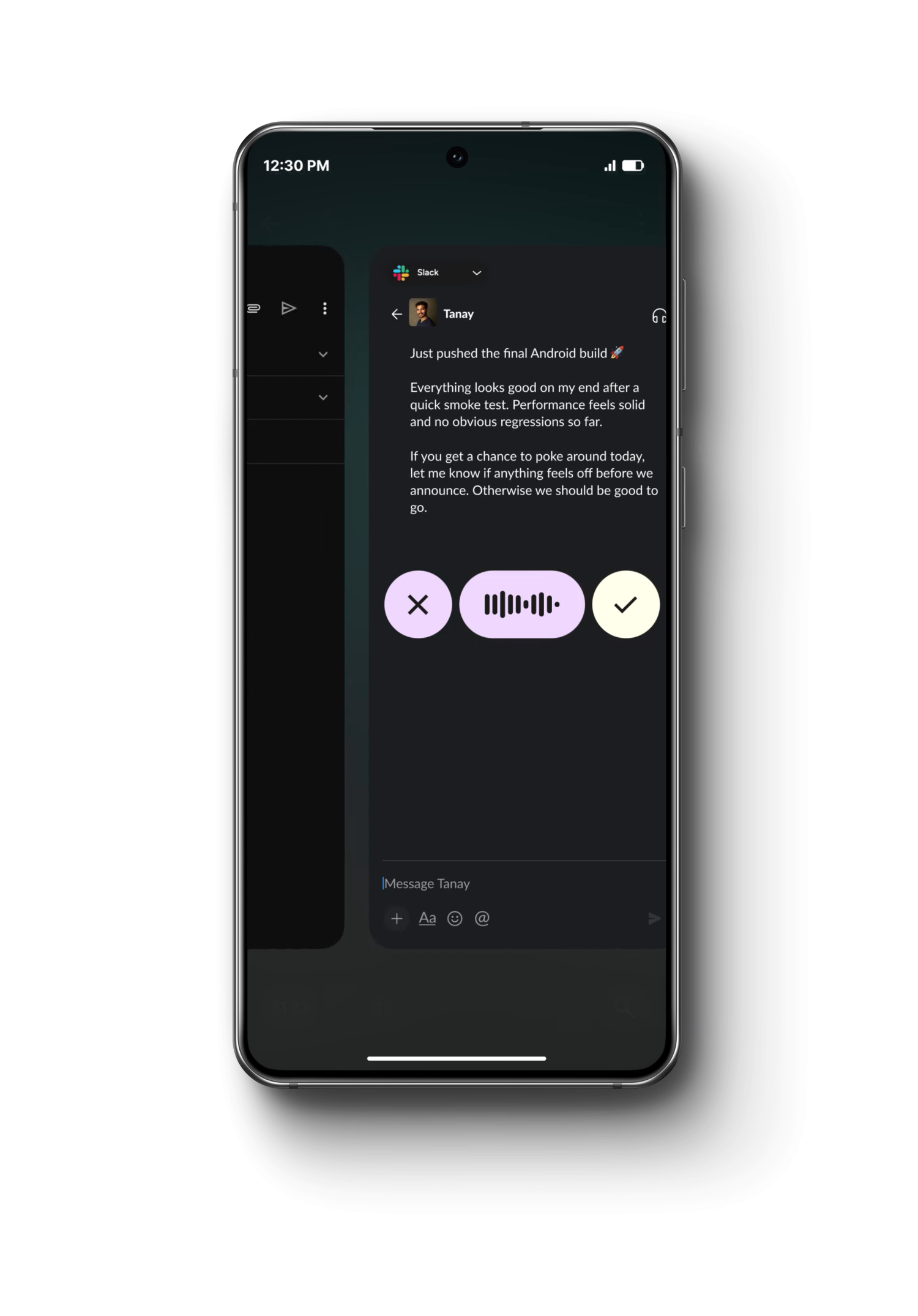
Earlier this week, Google silently released a dictation app called “Google AI Edge Eloquent” on iOS rather than Android. The app uses local models to recognize speech and apply edits to it. Before the company changed the description on the App Store page, it said that it plans to release an integrated keyboard on Android with a floating bubble.
If Google goes on to have system-level integration for AI transcription, Android users will have a much better experience than iOS users. What’s more, because the app also works offline, dictation could also work without an internet connection.
There is a possibility that Google will release something in May around its IO developer conference. We will have to wait and see if Apple users get any benefits until June, when the company holds its Worldwide Developer Conference (WWDC). Even if the company doesn’t release any system-level features, letting transcription apps work better on its platform would go a long way.
Dictation apps are all about stickiness, and if iOS takes that away from users, some of them would just stop using the apps for regular dictation.
The keyboard hop always felt like a workaround, so this break was probably coming. For meeting notes I stopped depending on a custom keyboard and just record in the app, then transcribe after. That's the loop I built Transcribe for on iOS — not a system keyboard, so the 26.4 return-to-app change doesn't hit it the same way. You lose the type-into-any-app magic, but the recording and a TXT/PDF export still work. Curious whether Apple leaves any supported path for context-aware dictation keyboards.